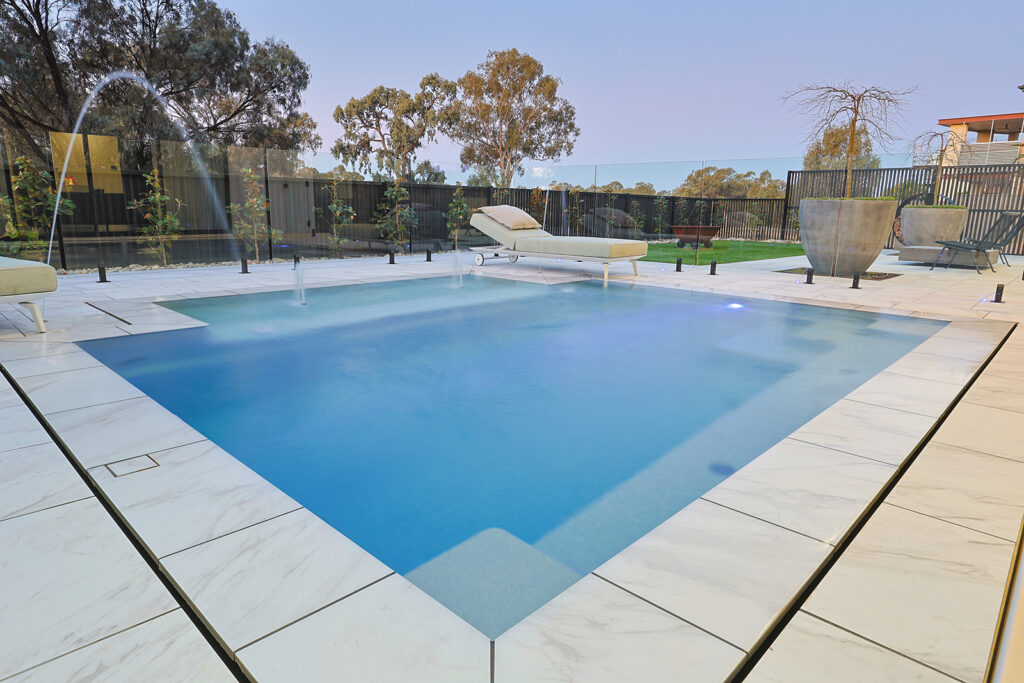
How to Fix Your Pool After Heavy Rain
Storms and heavy rainfall are common across the Sunraysia region, particularly during late summer and early autumn. While the rain might cool things down outside, it can cause several issues for your swimming pool if left unchecked.
Rainwater often carries dust, organic debris, and algae spores into your pool. When this material enters the water, it increases the demand on your sanitiser levels and can affect the overall water balance. Combined with warm temperatures and sunlight, these conditions can quickly encourage algae growth.
Rain and surface run-off can also dilute and disrupt important water balance levels such as pH, alkalinity, calcium hardness, and total dissolved solids (TDS). When these levels fall out of balance, you may notice cloudy water, reduced sanitiser effectiveness, or poor water clarity.
The good news is that a few simple checks after heavy rainfall can help restore your pool and keep everything running smoothly.
1. Check Your Pool Equipment
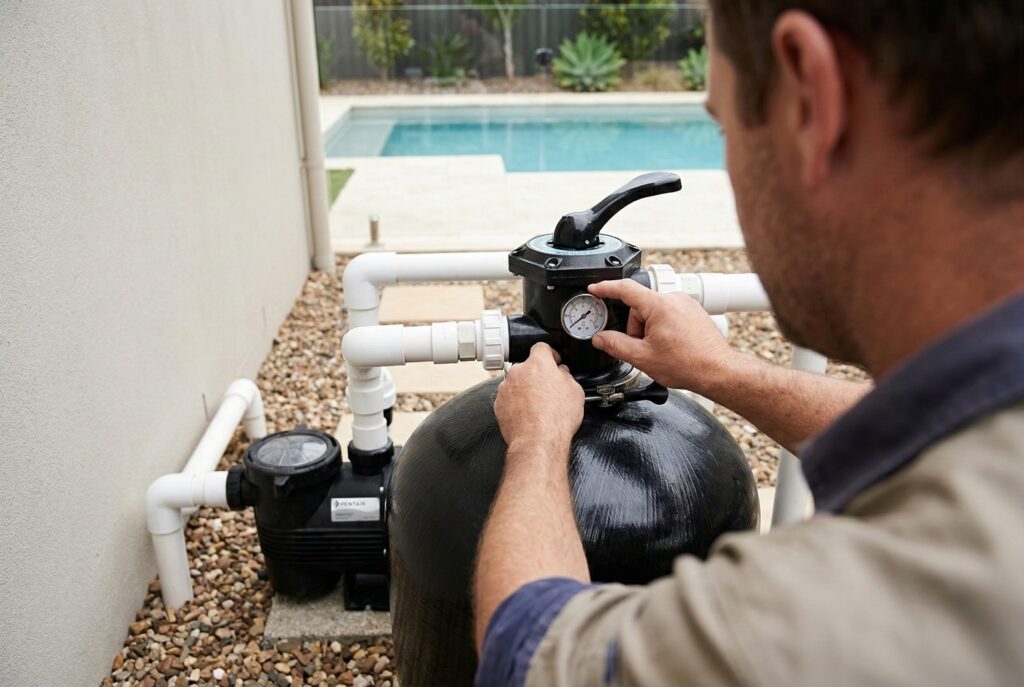
After significant rainfall, it’s always worth taking a quick look at your pool equipment and surrounding area.
Check for:
- Water pooling around pumps or filters
- Wet electrical outlets or connections
- Any unusual noises or performance issues
If you notice anything concerning, avoid operating the system and contact a professional for advice. The team at Cookes Pools & Spas can help diagnose equipment problems and ensure your pool system is operating safely. Contact our team here to organise professional assistance.
2. Remove Leaves and Debris
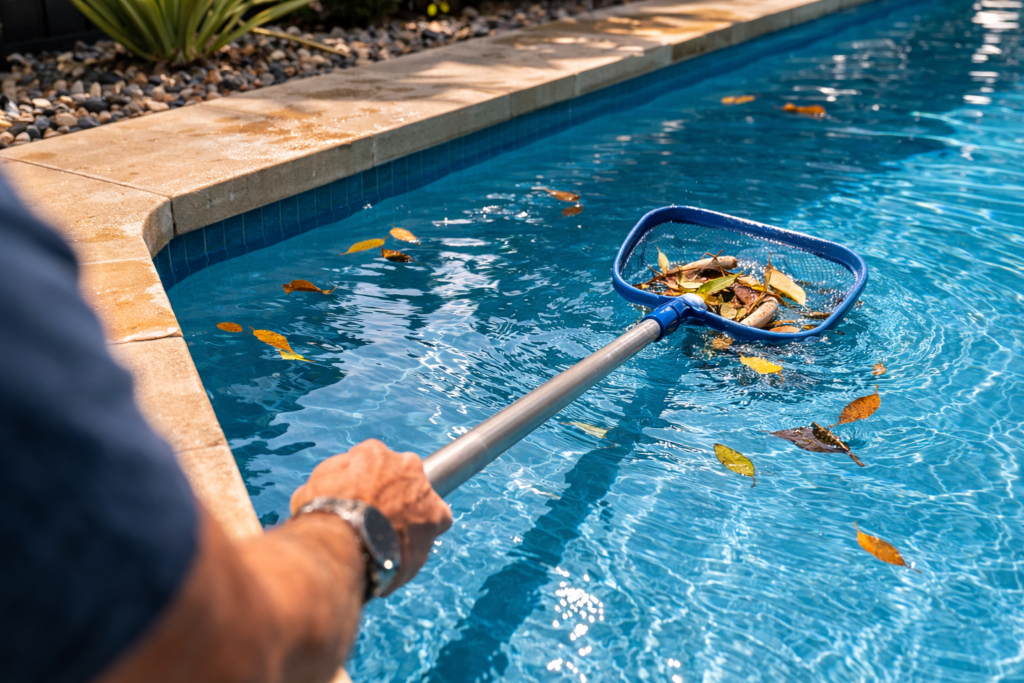
Rain and wind often bring leaves, dirt, and other debris into your pool. Removing this material quickly helps prevent it from breaking down and affecting your water quality.
Start by:
- Emptying the skimmer basket
- Scooping leaves and debris from the pool surface
- Checking the pump basket if required
Keeping the pool free from organic debris reduces the risk of algae and helps your filtration system work more efficiently.
3. Lower the Water Level if Needed
Heavy rainfall can cause the pool water level to rise above the normal operating level. Ideally, the water should sit around the middle of the skimmer opening for your filtration system to work properly.
If the water level is too high, you can lower it by:
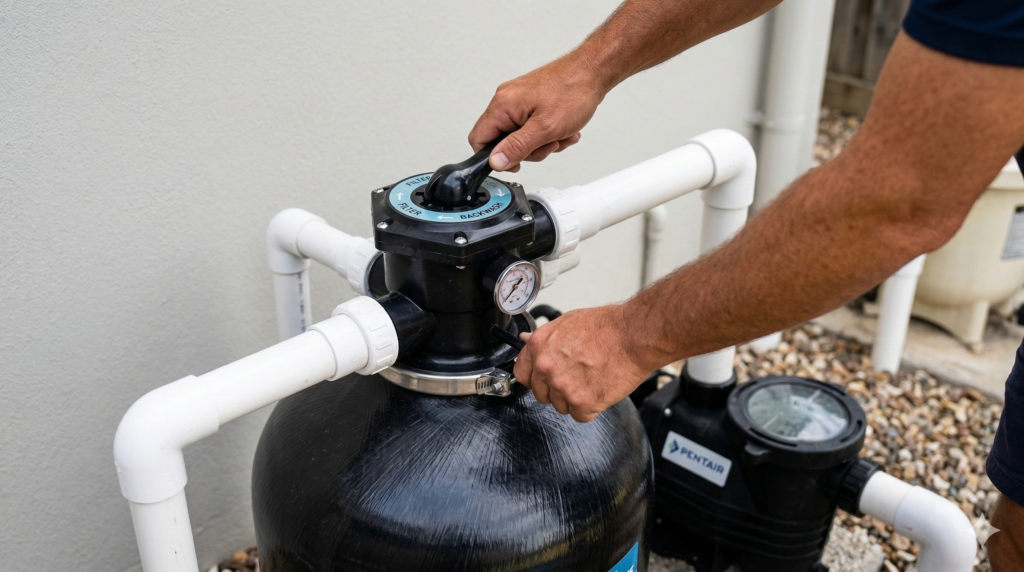
- Backwashing your filter (for pools with sand or media filters)
- Using the waste setting on a multiport valve
- Running a submersible pump to remove excess water
Lowering the water level helps ensure the skimmer and filtration system operate efficiently.
4. Clean or Backwash the Filter
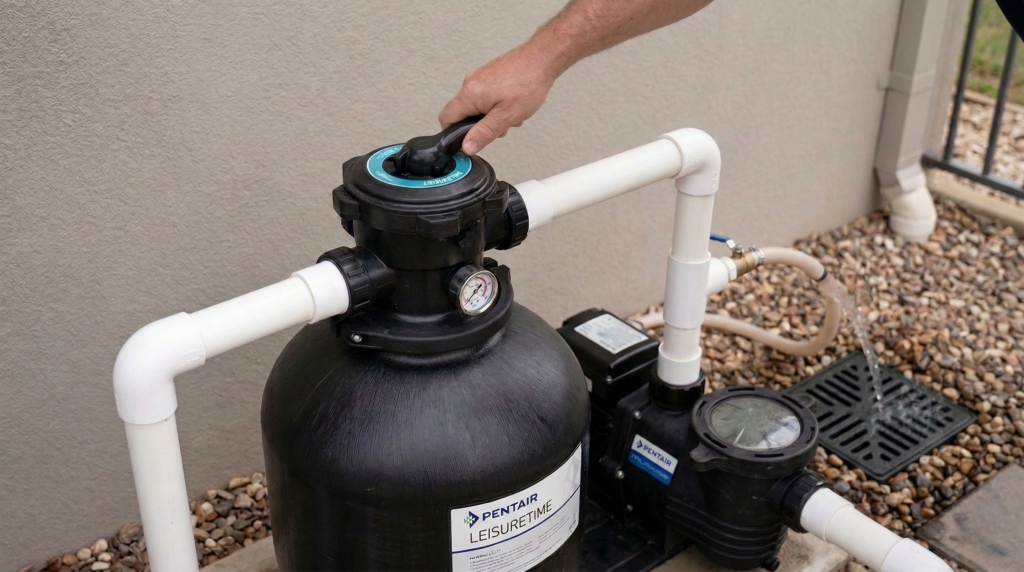
Storm debris and fine particles can quickly clog your filtration system.
Depending on your setup:
- Backwash sand or media filters to remove trapped debris
- Clean cartridge filters if required
This helps restore proper circulation and improves water clarity.
5. Test Your Pool Water
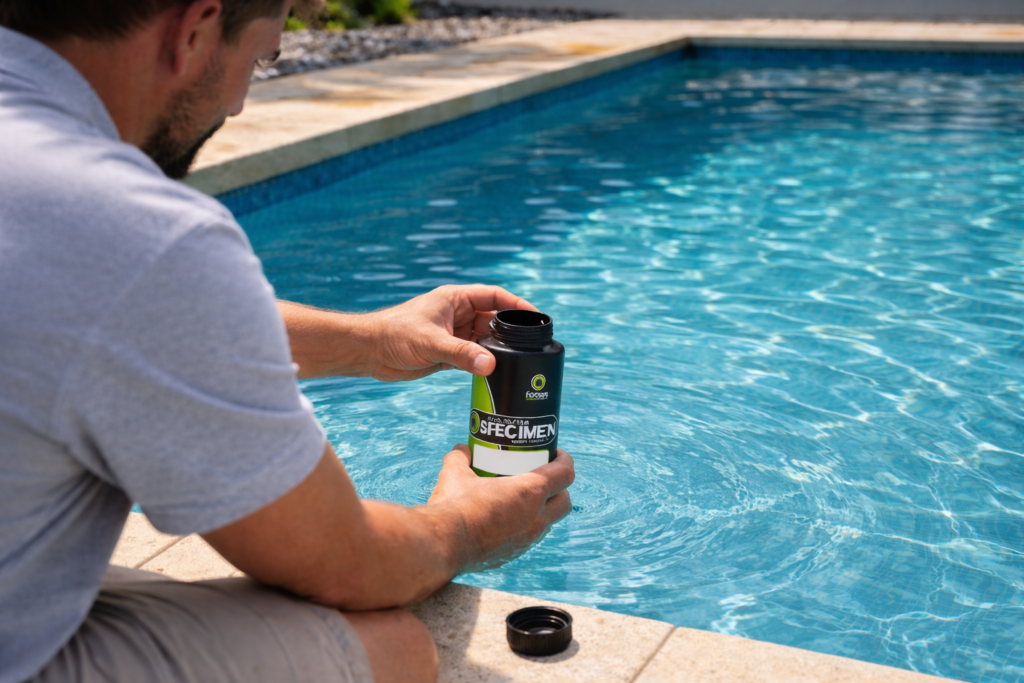
Rain can significantly affect your pool’s water balance. The most reliable way to restore it is with a professional water test.
Bring a water sample into Cookes Pools & Spas in Mildura, and our team will test it and recommend the right water management treatment to rebalance your pool.
Tip: Photos of your pool and equipment can also be helpful when visiting the store, as it allows our team to provide more accurate advice.
Keep Your Pool Clear After the Storm
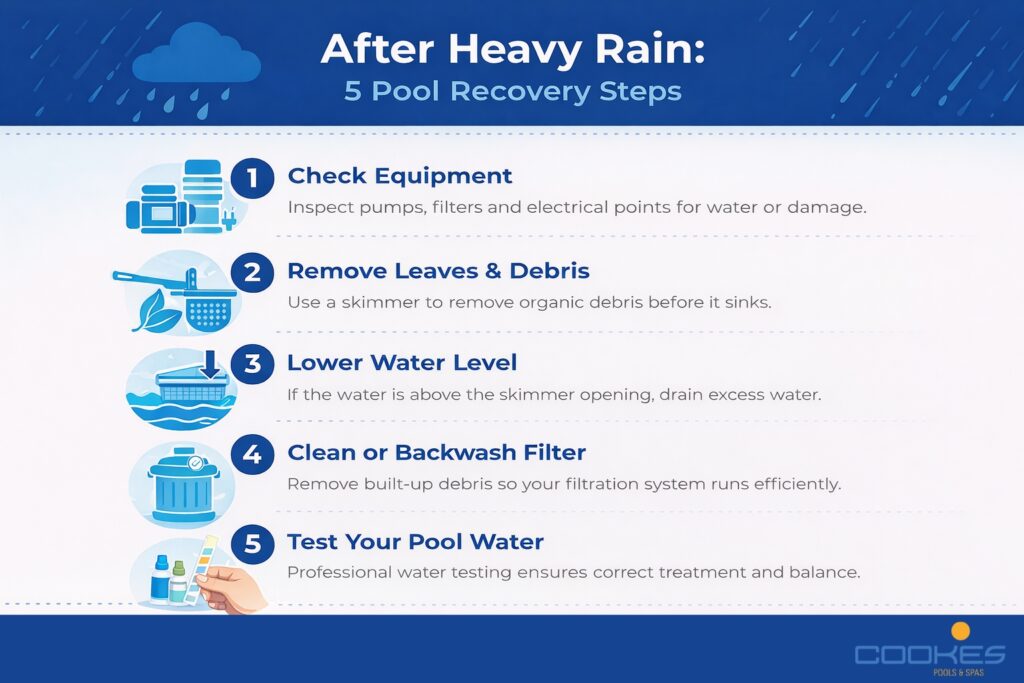
Taking a few simple steps after heavy rain can help prevent cloudy water, algae growth, and equipment strain.
If your pool water looks a little off after a storm, the team at Cookes Pools & Spas is here to help. Visit our Mildura store with a water sample and we’ll guide you through the best way to restore your pool to perfect swimming condition.
Trusted by Sunraysia families for over 45 years.
Ready to schedule a service or need more information about our maintenance plans?
Contact us today to keep your pool or spa in perfect condition year-round.